Connected capabilities.
Built around your business.
Explore the modules that bring your operations, people and digital workplace together.
4 business areas130 listed capabilities
Concept illustration
Your business. Connected.
A closer look at what is possible.
Find a module, explore its features and build your shortlist.
21 modules
Business operations
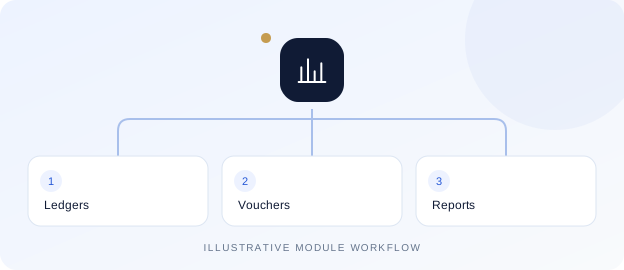
Finance & accounting
Follow financial activity from account masters and vouchers through to management reports.
Explore 5 features
Account groups, ledgers and bank masters
Payment, receipt, expense and journal workflows
Balance sheet, trial balance and profit & loss
Receivable and payable outstanding reports
Cash-flow, working-capital and tax reports
Tax reports support finance review; automated government filing is not claimed.
Business operations
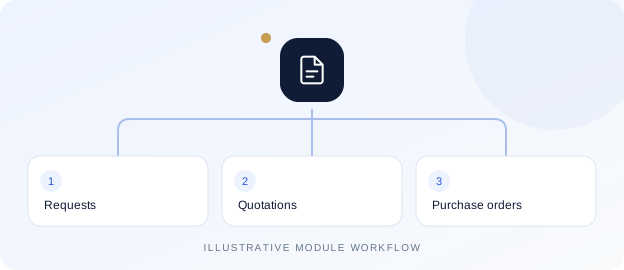
Purchase & procurement
Organize purchasing with connected requests, quotations and purchase documents.
Explore 5 features
Vendor, item, service and UOM masters
Purchase indents and enquiries
Quotations and comparison
Purchase orders, bills and rate contracts
Registers and controlled bill corrections
Business operations
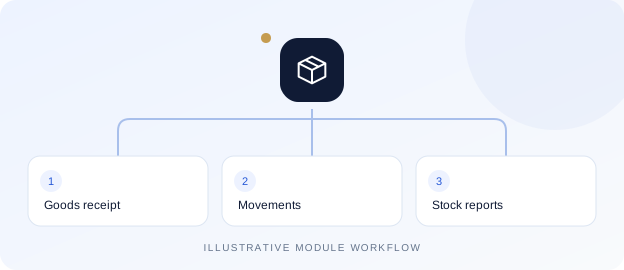
Inventory & stores
Keep warehouse movements, material requests and stock records in a common workflow.
Explore 5 features
Warehouses and opening stock
Goods receipt notes
Material requests, issues and transfers
Stock reconciliation with reasons
Stock and item-movement reports
Business operations
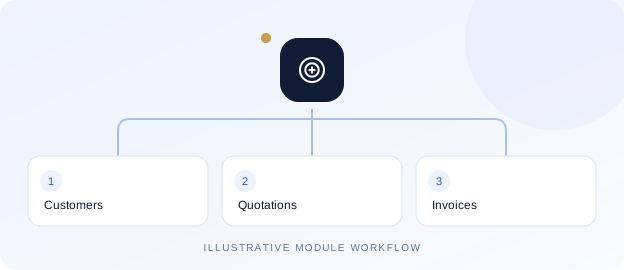
Sales & billing
Manage customer records, quotations and billing with connected sales reporting.
Explore 5 features
Client and customer records
Sales quotations and invoices
Monthly sales billing
Sales and item-sales registers
Sales dashboard and collection views
Business operations
POS & wallet cards
Connect point-of-sale activity with card lifecycles, collections and consumption.
Explore 6 features
POS item setup and sales
Card issue, replacement, transfer and blocking
Prepaid and postpaid flows
Recharge, refund and card closure
Card ledgers and collection reports
Item-consumption setup and entry
Business operations
Production planning
Plan recipe-based production, releases, inward quantities and material requirements.
Explore 5 features
Recipe types and masters
Weekly production planner
Production inward and release
Production-versus-inward comparison
Indent, issue and planning reports
People & payroll
Employee lifecycle
Maintain employee information and carry people workflows through changes and exit.
Explore 6 features
Employee records and registers
Grades, designations, departments and qualifications
Shifts and shift mapping
Resignation and departmental clearance
Full-and-final settlement
ID cards and CTC registers
People & payroll
Attendance & shifts
Bring calendars, attendance policies and daily exceptions into the same workspace.
Explore 5 features
Calendars and employee mapping
Attendance policies and punch updates
On-duty, overtime and compensatory off
Daily and monthly attendance registers
Face-attendance reporting
Device integration and attendance methods depend on deployment configuration.
People & payroll
Leave management
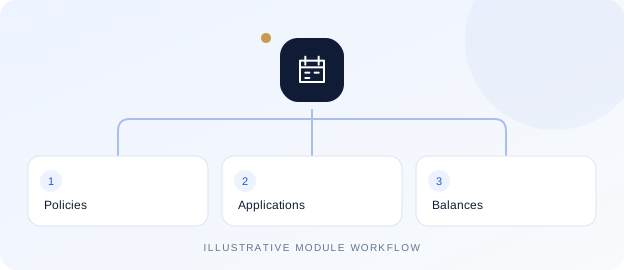
Track policies, applications, balances and processing with dedicated registers.
Explore 5 features
Leave types and policies
Employee leave applications
Leave administration workflows
Leave registers and ledgers
Leave release and encashment
People & payroll
Payroll & salary operations
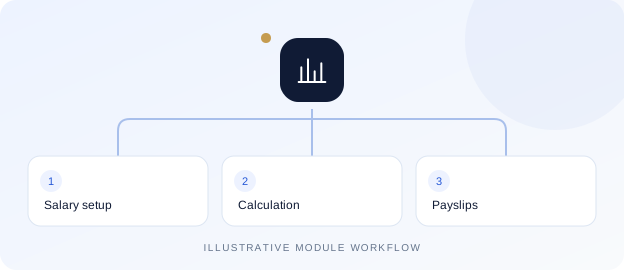
Connect salary structures, attendance inputs and payroll processing.
Explore 6 features
Salary heads, ranges, templates and assignments
Attendance-based salary calculation
Salary planning, pay plans and payments
Advances, loans and recovery settlement
Increments and arrears
Payslips, pay registers and PF/ESIC/PT/TDS reports
Statutory settings and reports require review against applicable organizational rules.
Digital workplace
Documents & eOffice
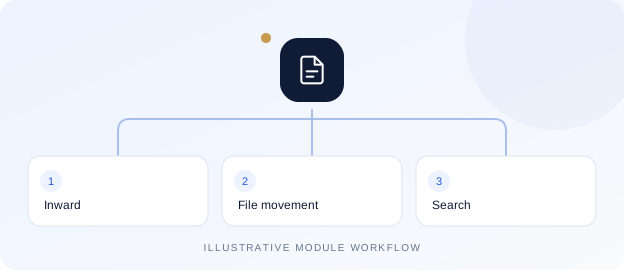
Organize inward documents and trace file movement between departments.
Explore 5 features
Document categories, departments and racks
File records and document inward
Document and file transfers
Document search
Document-management dashboard
Digital workplace
Private & group chat
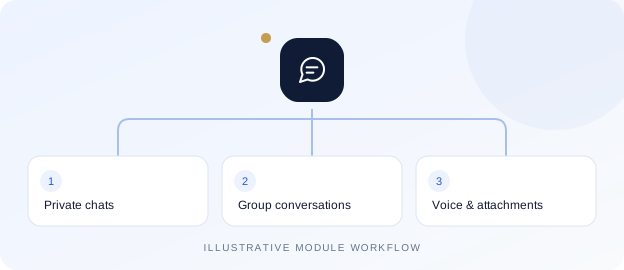
Keep company conversations together with private membership and business context.
Explore 17 features
One-to-one and group conversations
Reply, forward and message selection
Delivery/read receipts and group participant status
Online presence, last seen and availability
Unread inbox, docked and floating windows
Message and filename search
Notification preferences and do-not-disturb
Profile photos and private group avatars
Group owners, admins and posting controls
Voice notes with record, preview and discard
Emoji picker and message reactions
Live typing indicators and pinned messages
Camera/gallery capture and document attachments
User-initiated location sharing with preview
Personal history clearing and group membership controls
Licensed creator-only shared history deletion
Mobile app integration with private downloads and sharing
Chat, file sharing, voice notes and shared-history deletion have separate licence requirements. Device permissions apply to microphone, camera and location. Calling, meetings and recording sessions are not included.
Digital workplace
Private file sharing
Share documents and images inside authorized conversations without public attachment links.
Explore 5 features
Document and image attachments
Authenticated downloads and image previews
Download progress and forwarded attachments
Company and conversation access checks
Quota checks and storage lifecycle integration
Allowed file types, upload limits and file-sharing licences depend on configuration.
Digital workplace
Company Wall
Give company updates a shared home with posts and member participation.
Explore 8 features
Text posts with images, video and audio
Comments, threaded replies and reactions
Member tagging and tagged-post views
Post/comment notifications and direct links
Author editing and deletion controls
Optional selected location and device sharing
Private media access and storage integration
Responsive web and mobile feed
Company access and a separate Wall licence apply. Media and sharing options depend on the user’s device.
Digital workplace
Storage & recycle bin
Review application storage and manage eligible files with distinct cleanup permissions.
Explore 6 features
Storage overview and scoped folders
Search, sorting and bulk selection
Recycle and restore
Separate permanent-delete permission
Chat and Wall attachment integration
Traceable cleanup and expiry
The inspected storage quota is application-wide, not a separate allowance per company.
Operational control
QAC & field operations
Connect checklists, scheduled activities and field feedback with operational reporting.
Explore 6 features
Checklist, activity and activity-group masters
Geography hierarchy and user mapping
QR reports and checklist execution
Activity calendars and task schedules
Manpower deployment
Feedback and operational reports
Operational control
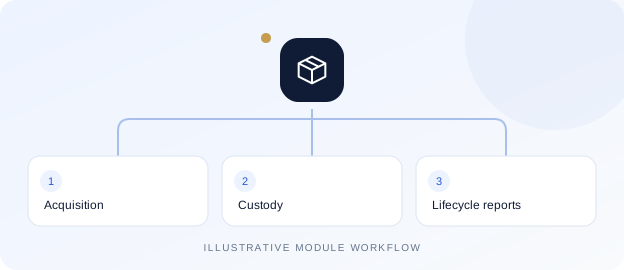
Asset lifecycle
Trace assets through custody, project movement and lifecycle decisions.
Explore 10 features
Asset configuration and individual unit identity
Equipment requests, reservations and issue approvals
Issue, return, transfer and employee custody
Project and physical-location tracking
QR identity labels and supporting evidence
Opening assets and acquisition workflows
Scheduled depreciation with project expense allocation
Cost adjustments and improvement workflows
Sale, scrap, write-off and permanent handover
Audit packs, reports and portfolio drill-down
Tracking-only HRMS and accounting-enabled modes differ. Recording evidence does not perform external statutory filings.
Operational control
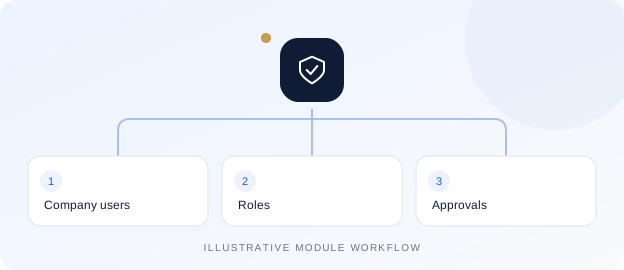
Roles & approvals
Configure company structure, access and workflow responsibilities.
Explore 6 features
Company, branch, department and users
Page access roles and project/user mapping
Approval-required pages
Workflow roles, policies and replacements
Pending approval inbox and reports
Dashboard permissions and report schedules
Digital workplace
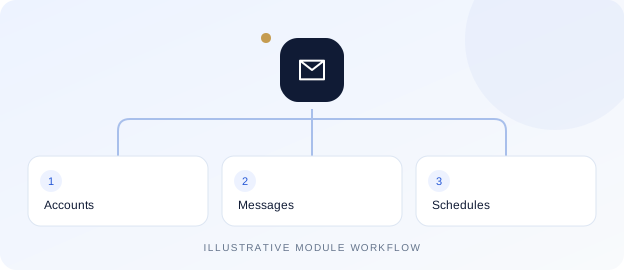
Business mail workspace
Access mail alongside configured email and report workflows.
Explore 5 features
Mail folders and message workspace
Configured email accounts
Email templates
Report email schedules
Mail-domain blocking controls
Provider connectivity, quotas and licences depend on the selected deployment.
Business operations
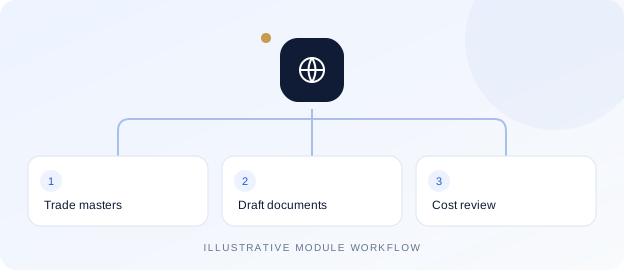
Import & export workspace
Prepare trade documents and review currency and landed-cost information.
Explore 5 features
Trade, import and export navigation
Shared masters and draft registers
Guided trade document preparation
Currency-rate snapshots and review
Landed-cost calculator
The inspected import/export editors are draft-only; full financial posting is not advertised.
Operational control
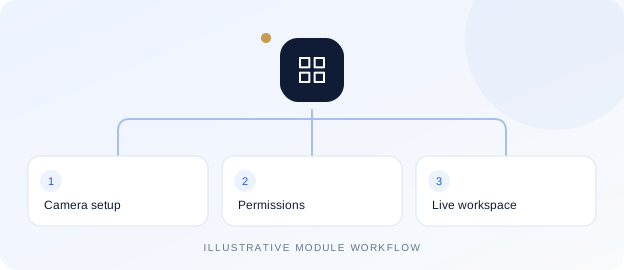
Camera workspace
Configure branch cameras and authorized viewing through a compatible gateway.
Explore 4 features
Camera masters and branch connections
Authorized live-view workspace
Gateway configuration synchronization
Company, branch and camera permissions
Requires a compatible gateway, connected cameras and licence. Automatic device discovery is not included.
Let's connect the right pieces.
Tell us how your business works. We will help you explore the relevant modules and implementation scope.